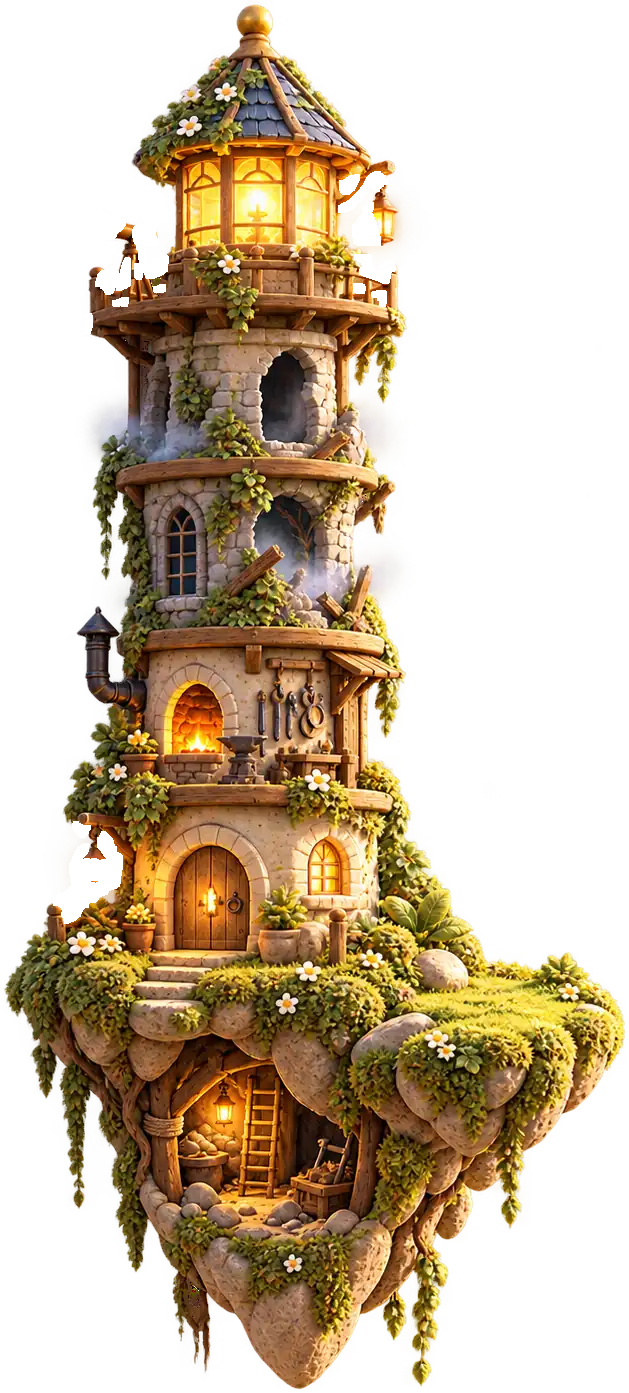
Slide the island into view
Open Edgekin beside this page. Expand the panel when you want more room.
 Edgekin
Open Edgekin in the sliding panel on this site, or use its Chrome extension to keep the game beside your browsing. Compare the two ways to play below and choose the space that suits you.
Open Edgekin beside this page. Expand the panel when you want more room.
The extension opens Edgekin in Chrome’s side panel.
See the available extensionOpen Edgekin in the side panel. Drag its edge to give the island more room while the page stays beside it.
The Chrome extension brings Edgekin into the browser’s side panel. Choose the website or the extension.
Tend the lantern and meet the kin that find their way to your beacon.
Open Edgekin beside this page to meet the kin and begin restoring your own island.
Restore the Home to make room for the kin who arrive at your beacon.
Your Chronicle holds the story cards you receive. Return to the book to revisit an event.
Swap pieces, place shapes, match tiles or use logic. Each mechanic belongs to the same island world.
Your island and its collection are waiting in the side panel. Practice boards keep their own progress here.
Complete a small grid without repeating a symbol.
Explore the island’s runic seals.
Try all six puzzles for free in Edgekin. Choose a familiar board or learn a different set of rules.
Tend the lantern and meet the kin that find their way to your beacon.
Open Edgekin beside this page to meet the kin and begin restoring your own island.
Restore the Home to make room for the kin who arrive at your beacon.
Your Chronicle holds the story cards you receive. Return to the book to revisit an event.
Swap pieces, place shapes, match tiles or use logic. Each mechanic belongs to the same island world.
Your island and its collection are waiting in the side panel. Practice boards keep their own progress here.
The website panel opens the island game. You can expand it when you want more room. The practice boards on other pages are separate from your island, so their results do not become island rewards.
Use the website when you want to start from a page. Use the extension when you want Edgekin in the browser’s side panel. Installation is optional for the website route. The extension button links to the distribution channel that is actually available at launch.
Keep Edgekin beside the page, then close the panel when you want the space back. The island remains available when you reopen it.
Explore Edgekin as a cozy browser game in either setting. You can play cozy games in your browser without installing the extension: open the website panel to try that route first.